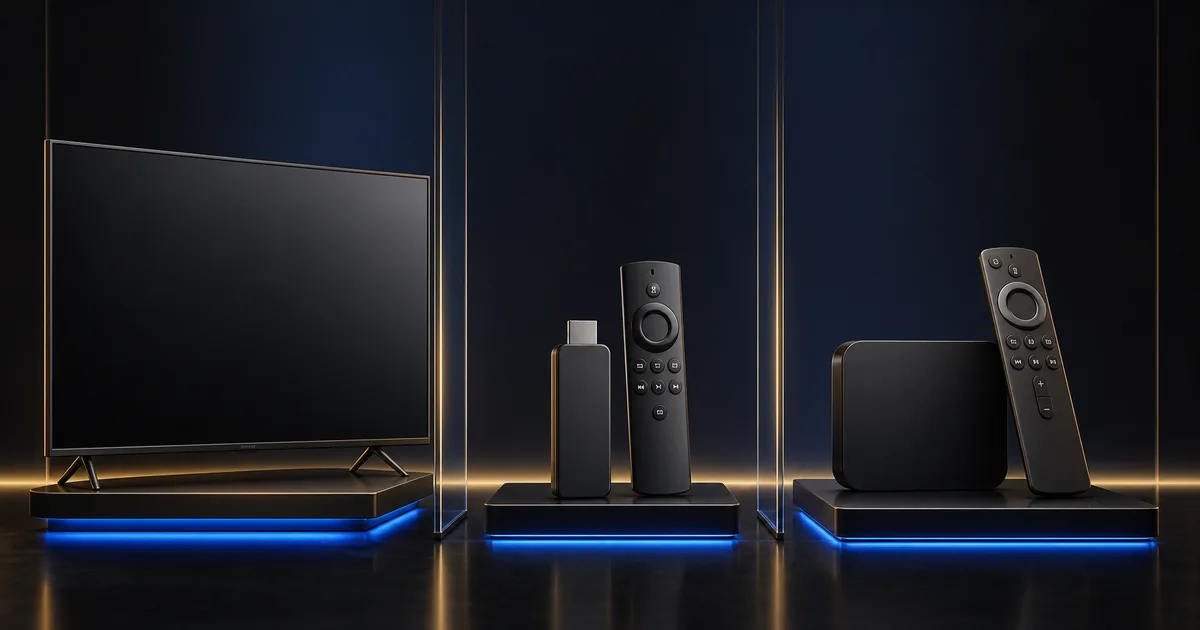
A Smart TV, a compact Fire TV device and an Android TV box can all provide a practical Internet TV setup. They solve the same basic problem in different ways. The built-in Smart TV route minimizes hardware. A compact streaming device emphasizes portability and a familiar app environment. An Android TV box can provide broader choices, but hardware quality and software support vary.
The best route depends on the television you own, the applications available in your region, network options and how comfortable the household feels with another remote and interface.
Understand the three device paths
Smart TV: simple and integrated
A built-in application keeps the setup on one screen with one standard remote. There is no external power cable or HDMI connection, and the television can open the player from its normal app row.
This simplicity is valuable for beginners and shared family rooms. However, the application store is controlled by the television platform. Availability can change by model, operating system and country. Older televisions may stop receiving updates or may have limited storage.
Choose this path when the television is responsive, has a supported player in its official store and receives a strong connection. Open the Smart TV setup tutorial before installing.
Fire TV: compact and portable
A compact Fire TV device connects through HDMI and brings its own operating system, storage and application environment. It can give an older television a more current interface without replacing the panel. It is also small enough to move, provided the destination allows personal devices and offers a secure network.
You will need a free HDMI input, power and another remote. Wi-Fi is the normal connection on many compact models; Ethernet may require a compatible adapter. Storage can become limited after several applications are installed.
This path suits someone who wants a relatively guided external-device experience or needs the same familiar interface on more than one compatible screen.
Android TV box: flexible, with more variation
Android TV and compatible box devices can offer a wide selection of players, settings and network options. Some include Ethernet, USB storage or more internal space. Others have weak processors, poor Wi-Fi or infrequent updates.
Do not judge a box only by the version number printed on a listing. Check whether it uses a television-oriented interface, receives legitimate updates, supports the application through an official store and provides the output formats your screen can display.
This path suits users who want flexibility and are comfortable checking hardware and software details. It can also be a good fixed solution for an older television when selected carefully.
Compare the practical differences
| Decision point | Smart TV | Fire TV | Android TV box |
|---|---|---|---|
| Initial setup | Often simplest; built into the screen. | Requires HDMI, power and account setup. | Requires HDMI, power and device configuration. |
| Remote experience | Uses the television remote. | Uses a dedicated compact remote. | Varies by box and remote design. |
| App availability | Depends on TV platform and model year. | Depends on its official application store and region. | Often broad, but confirm television-compatible official apps. |
| Storage | Frequently limited and shared with system apps. | Can become limited after several installations. | Varies widely; check usable space, not only advertised capacity. |
| Updates | Controlled by the television maker and model lifecycle. | Controlled by the platform provider and device generation. | Varies significantly by manufacturer. |
| Portability | Fixed to the television. | Good, when travel use is permitted. | Possible, but often larger with more cables. |
| Ethernet | Available on many models, sometimes limited by port speed. | May need an adapter depending on model. | Common on many boxes, but capability varies. |
| Best fit | Beginners and clean one-remote rooms. | Portable or simple external refresh. | Users who value flexibility and compare specifications carefully. |
These are category-level differences, not promises about every product. A recent Smart TV can be faster than an inexpensive box. A well-supported compact device can receive updates longer than an older television. Compare the exact models you own or plan to use.
Performance and storage
Menu speed depends on the processor, memory, free storage and application design. A device with more advertised storage may reserve a large amount for its operating system. Open the storage screen after updates to see the usable amount.
Leave space for application updates and temporary files. When storage is almost full, navigation, updates and cache management may become unreliable.
Software updates
An update policy matters more than a high model number. Apply updates through official settings. Avoid devices that require unknown download pages or modified applications to perform ordinary setup.
Updates can also change behavior. After a major system update, restart, check the player version and test before deleting a previously working configuration.
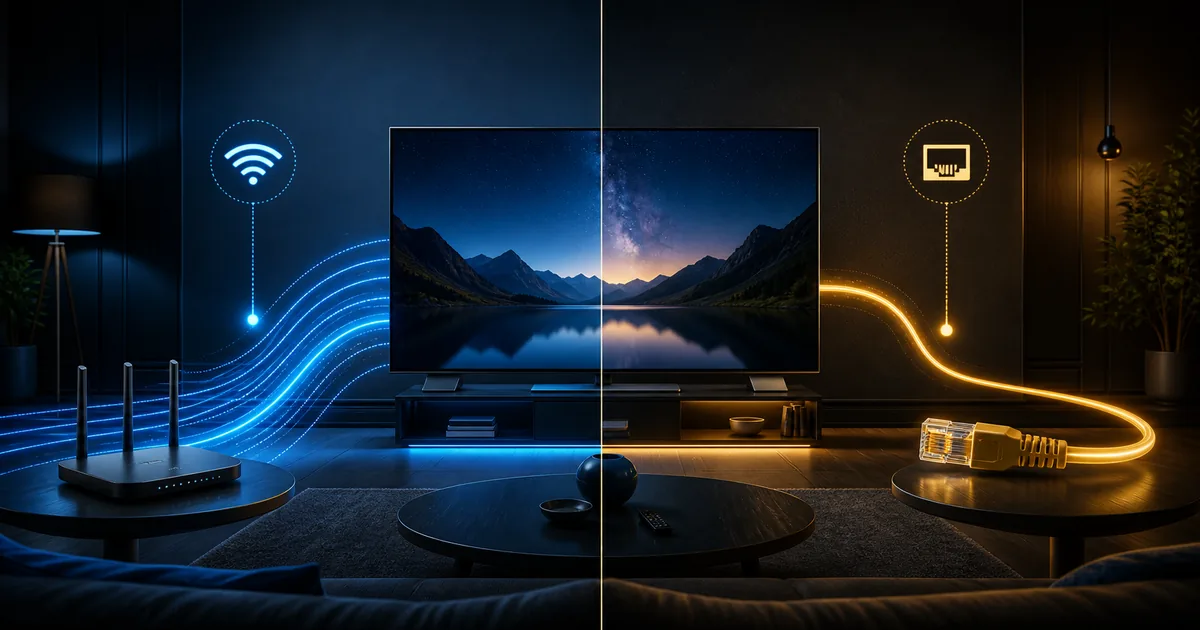
Wi-Fi and Ethernet
Built-in televisions sometimes have weaker Wi-Fi reception because of their position against a wall or the placement of internal antennas. External devices may sit behind the screen where the signal is also blocked. Use a short HDMI extender if officially supported and if it improves placement.
Ethernet usually provides a more consistent diagnostic comparison. An adapter can help on devices without a built-in port, but confirm compatibility and speed. Read Wi-Fi or Ethernet for TV streaming before purchasing network accessories.
Choose by user type
For a beginner
Start with the built-in Smart TV player when it is officially available and the television is responsive. One remote and no extra input reduce friction. Complete the device update, keep the home row simple and write down the installed app name.
If the Smart TV store has no suitable application or the interface is very slow, a mainstream compact external device may be easier than navigating an aging built-in system.
For an older television
An external device can improve app availability and interface speed if the television has a working HDMI input. It cannot change the panel’s native resolution, HDR capability or picture quality. A 1080p television remains a 1080p display even when the external device can output 4K.
Choose the external device for stability and support, then set its output to a mode the television supports.
For a frequent traveler
A compact device is easier to carry, but travel use has limitations. Hotel and guest networks may require a web sign-in, block device-to-device communication or prohibit personal hardware. Never attempt to bypass those controls.
Use only a secure network you are authorized to join. Log out and remove saved networks afterward. Keep activation details private and confirm the selected plan’s device and simultaneous-use rules.
For a power user
An Android TV box with strong official support, enough storage and Ethernet may offer more control. Flexibility also means more settings to maintain. Change one setting at a time and keep a record of the working configuration.
For a family room
Prioritize remote simplicity, reliable return-to-home behavior and supported parental controls. The best technical specification is not useful if children or older relatives cannot find the correct app. The family setup guide covers this workflow.
Test before you decide
Use this short decision sequence:
- Check the current Smart TV store and available storage.
- Update the television and test menu responsiveness.
- Confirm Wi-Fi strength in the room.
- List the missing capability an external device would solve.
- Compare official app availability and software support.
- Decide whether another remote is acceptable.
- Test the selected path during normal viewing hours.
Do not buy an external device simply because it appears in a generic recommendation. Buy it to solve a specific limitation: missing app support, slow navigation, insufficient storage, weak updates or a need for portability.
Use the setup compatibility check and 24-hour trial before choosing a longer plan. Test picture quality, menu speed, remote navigation, audio, subtitles and both live and on-demand playback.
There is no universal winner
Smart TV is often the cleanest route. Fire TV can be a convenient external refresh. An Android TV box can provide flexibility. Each category contains devices with different performance and support.
Make the final choice using the exact screen, network, application and household needs. Quality depends on the internet connection, device, application, configuration and content availability. A neutral comparison helps you choose the simplest setup that reliably meets those needs.